

Introduction
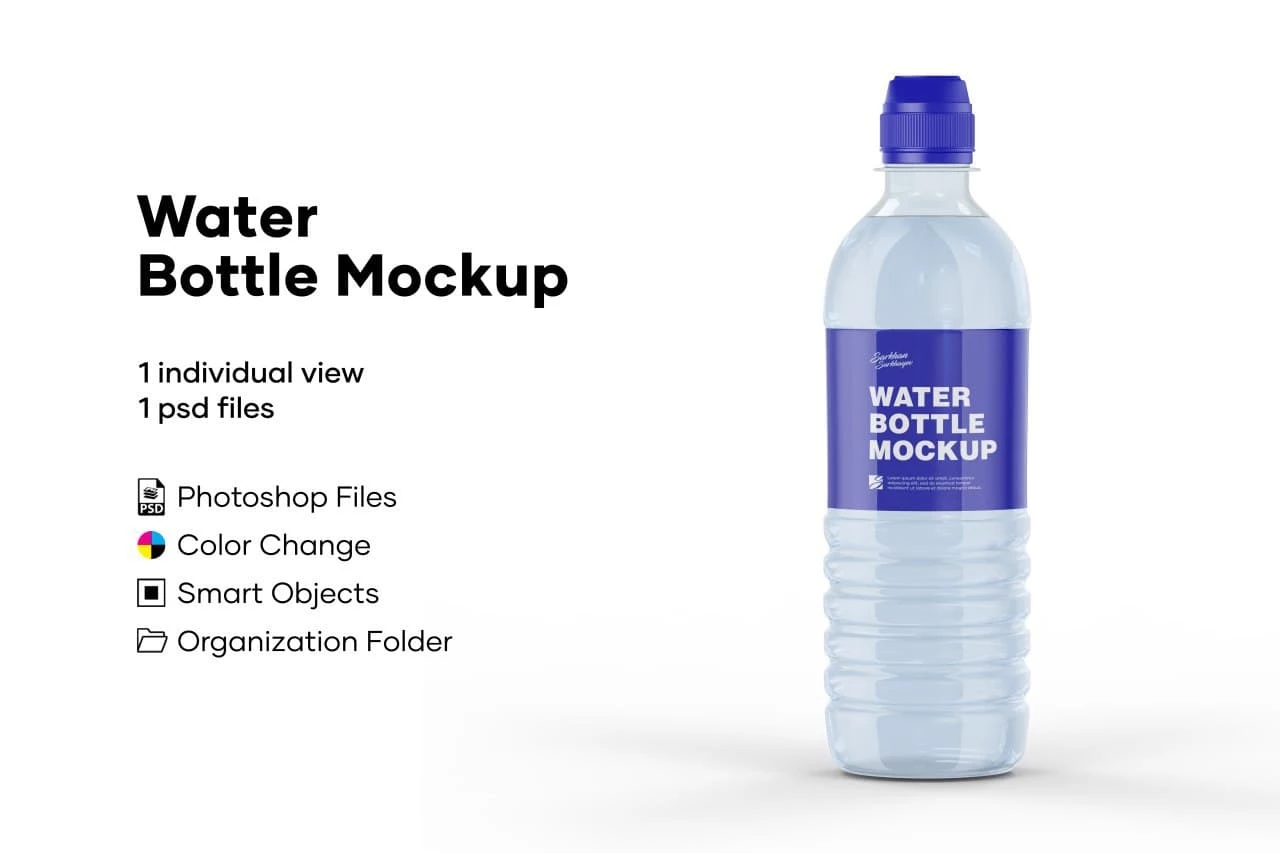
Water Bottle Mockup is a Mockup Template Resourse. Product presentation is essential when showcasing branding and packaging designs. A professional Water Bottle Mockup allows you to display your label, logo, or artwork in a realistic and visually appealing way—without the need for an actual photoshoot.
Whether you’re working on a beverage brand, client project, or portfolio, this mockup helps you present your ideas with clarity and professionalism. In this guide, you’ll learn how to use, customize, and maximize this mockup for real-world applications.
What is a Water Bottle Mockup?
A water bottle mockup is a digital template that simulates a real bottle, allowing designers to place their branding or label designs onto it.
It typically includes:
- Realistic bottle shape and texture
- Label placement area
- Lighting and shadow effects
- Clean or isolated background
This makes it ideal for visualizing packaging designs before production.
Why This Mockup is Useful?
Using a water bottle mockup provides several benefits:
- Saves time and cost of physical prototypes
- Creates realistic product presentations
- Improves client communication
- Enhances portfolio quality
It’s widely used by designers, marketers, and product developers.
What’s Included in the Download?
When you download this mockup, you’ll get:
- Editable file (PSD format)
- High-resolution design
- Organized layers for easy editing
- Realistic lighting and shadow effects
How to Edit the Water Bottle Mockup?
You can customize this mockup using Adobe Photoshop.
Step-by-Step Guide:
Step 1:
Download the mockup file from the link below.
Step 2:
Extract the ZIP file.
Step 3:
Open the file in your preferred software.
Step 4:
Locate the editable layer:
- Label area
- Smart object (in PSD files)
Step 5:
Insert your design:
- Add logo or label artwork
- Adjust size and alignment
Step 6:
Customize the mockup:
- Change bottle color
- Adjust lighting and shadows
- Modify background if needed
Step 7:
Export your final mockup in PNG or JPG format.
Best Use Cases
This water bottle mockup is perfect for:
- Beverage brand presentations
- E-commerce product listings
- Social media promotions
- Portfolio showcases
- Packaging previews
Pro Tips for Better Mockup Designs
To get the best results:
- Use high-resolution label designs
- Keep branding clear and readable
- Match colors with product identity
- Avoid overcrowding the label
- Use realistic lighting for better presentation
Fonts Used
- Gilmer
Download Water Bottle Mockup
Click the button below to download and start showcasing your packaging designs.