

Introduction
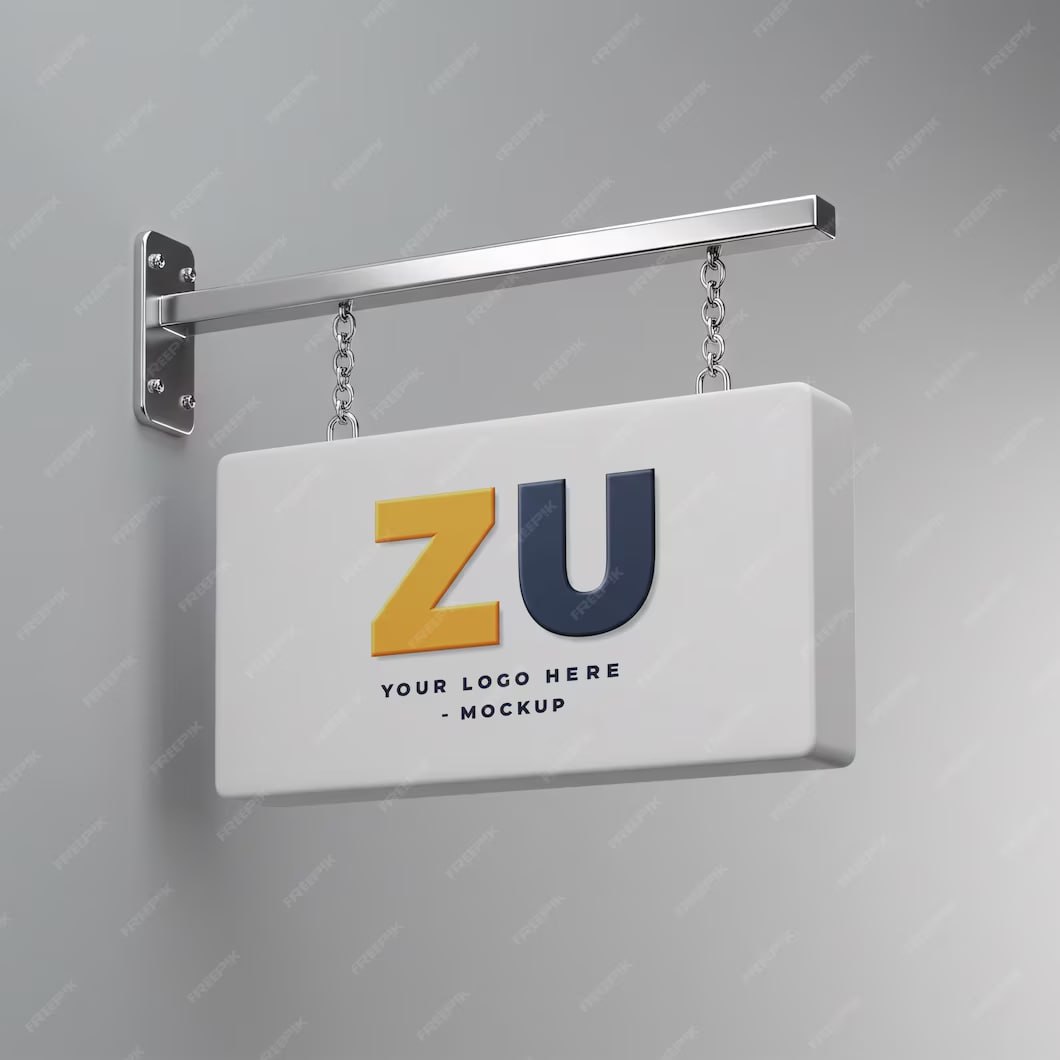
3D Sign Mockup Logo is a Logo Mockup Resource. A realistic logo presentation can help designers and businesses show how a brand identity may look when applied to physical signage. The 3D Sign Mockup Logo provides a professional way to present logos with realistic depth, lighting, shadows, and dimensional effects.
Whether you’re creating a logo presentation for a client, developing storefront branding, designing office signage, or showcasing a completed identity project in your portfolio, this mockup can help transform a flat logo into a more realistic visual presentation. In this guide, you’ll learn about the features of the mockup, how to customize it, and the best ways to use it in branding projects.
What is a 3D Sign Mockup Logo Mockup?
A 3D Sign Mockup Logo is a ready-made presentation template that allows designers to display a logo as a realistic three-dimensional sign. Instead of showing a logo on a flat canvas, the mockup can create the appearance of raised lettering or signage installed on a physical surface.
A typical 3D sign logo mockup may include:
- Realistic three-dimensional logo effects
- Raised or dimensional lettering
- Natural shadows and lighting
- Editable logo placement
- Professional background presentation
- High-resolution artwork
- Realistic depth and surface effects
These features make the mockup useful for presenting branding concepts before physical signage is produced.
Benefits of Using a 3D Sign Mockup Logo Mockup
Using a professionally designed logo mockup offers several advantages:
- Creates a realistic presentation of your logo
- Helps clients visualize physical signage
- Saves time compared with creating a physical prototype
- Makes branding portfolios more professional
- Suitable for business and corporate presentations
- Useful for storefront and office branding concepts
- Helps demonstrate how a logo may appear in a real environment
A realistic 3D presentation can make a logo concept easier to understand and evaluate.
What’s Included in the Download?
Your download may include:
- Editable files (PSD Format)
- High-resolution logo mockup
- Fully layered design file
- Smart Object layer (if included)
- Editable background elements (if applicable)
- Realistic lighting and shadow effects
- Free font information (if applicable)
How to Customize the Mockup?
You can edit this mockup using Adobe Photoshop if the template is provided in PSD format.
Step 1:
Download the 3D Sign Mockup Logo using the link below.
Step 2:
Extract the ZIP file to your preferred directory.
Step 3:
Open the PSD mockup in Adobe Photoshop.
Step 4:
Locate the editable logo or Smart Object layer.
Step 5:
Replace the sample artwork with your own:
- Company logo
- Brand name
- Custom lettering
- Symbol or icon
Step 6:
Customize the presentation where the file allows:
- Change logo colors
- Adjust the background
- Modify editable lighting
- Adjust shadows
- Change the logo position or size
Step 7:
Save the edited Smart Object or artwork and return to the main mockup to view the updated presentation.
Step 8:
Export the finished design as a high-quality JPG or PNG for your portfolio, presentation, website, or marketing materials.
Best Use Cases
This 3D Sign Mockup Logo is ideal for:
- Logo presentation
- Branding projects
- Corporate identity
- Storefront signage
- Office signage
- Restaurant branding
- Hotel branding
- Retail business branding
- Graphic design portfolios
- Client presentations
It can also be useful when presenting several logo concepts and showing clients how their selected identity could appear as physical signage.
Professional Logo Mockup Design Tips
For the best results when using the mockup:
- Use a high-resolution logo.
- Prefer vector artwork whenever possible.
- Keep the logo simple and recognizable.
- Choose colors that provide sufficient contrast with the background.
- Check the logo at different sizes.
- Make sure the logo remains readable after applying 3D effects.
- Avoid adding unnecessary effects that reduce the clarity of the original brand identity.
If the mockup is being used to present a real business identity, keep the presentation consistent with the company’s official brand guidelines.
Download 3D Sign Mockup Logo
Click the Download button below to get this editable 3D Sign Mockup Logo Mockup and professionally showcase your logo, branding concepts, and signage designs.