

Introduction
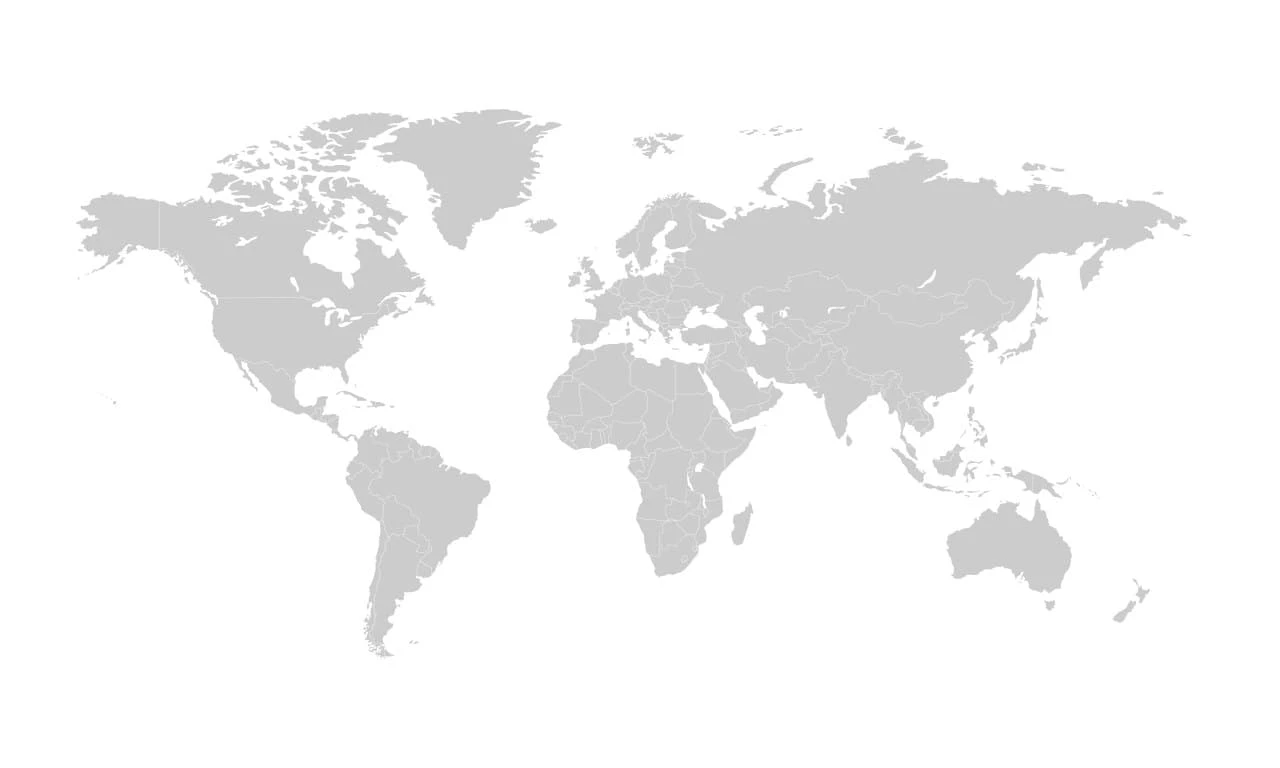
World Map with Countries Borders is a Map Template Resourse. A World Map with Countries Borders is one of the most useful graphic resources for educational, business, travel, and presentation purposes. By clearly displaying international boundaries, country locations, and geographic regions, a world map helps users better understand global geography and visualize international data.
Whether you’re creating an educational project, designing an infographic, developing a travel website, or preparing a business presentation, a detailed world map can add professionalism and valuable context to your content. In this guide, you’ll learn how to use, customize, and apply a world map with country borders effectively.
What is a World Map with Countries Borders?
A world map with countries borders is a geographic illustration that displays the continents, countries, and their political boundaries. Unlike a simple map outline, this version clearly separates nations using border lines, making it easier to identify individual countries and regions.
Common features include:
- International country boundaries
- Continent outlines
- Geographic regions
- High-resolution vector graphics
- Editable design elements
These maps are widely used in educational, business, and digital projects.
Why Use a World Map with Country Borders?
Maps provide a visual way to communicate geographic information quickly and effectively.
Benefits include:
- Improves geographic understanding
- Enhances educational content
- Supports business presentations
- Useful for travel and tourism projects
- Ideal for infographics and reports
A detailed map helps audiences understand global information more clearly than text alone.
What’s Included in the Download?
When you download this resource, you’ll typically receive:
- High-resolution PNG or JPG files
- Editable vector files (EPS)
- Scalable map graphics
- Clearly defined country borders
- Print-ready quality files
How to Customize the World Map
You can edit this map using Adobe Illustrator.
Step-by-Step Guide:
Step 1:
Download the map file from the link below.
Step 2:
Extract the ZIP archive.
Step 3:
Open the file in your preferred software.
Step 4:
Customize the map:
- Change country colors
- Highlight specific regions
- Add labels or markers
- Modify border styles
Step 5:
Add your own content:
- Statistics
- Business information
- Travel routes
- Educational notes
Step 6:
Export the finished design in PNG, JPG, PDF, or SVG format.
Best Use Cases
This world map is perfect for:
- Educational materials
- Business presentations
- Travel websites
- International company reports
- Data visualization projects
- News and media graphics
- Corporate publications
Pro Tips for Better Map Designs
To create professional-looking map graphics:
- Use consistent color schemes
- Highlight only important regions
- Keep labels readable
- Avoid overcrowding the design
- Use vector formats for scalability
- Maintain clear contrast between countries
A clean map design improves readability and user engagement.
Download World Map with Countries Borders
Click the button below to download and start using this detailed world map in your projects.