

Introduction
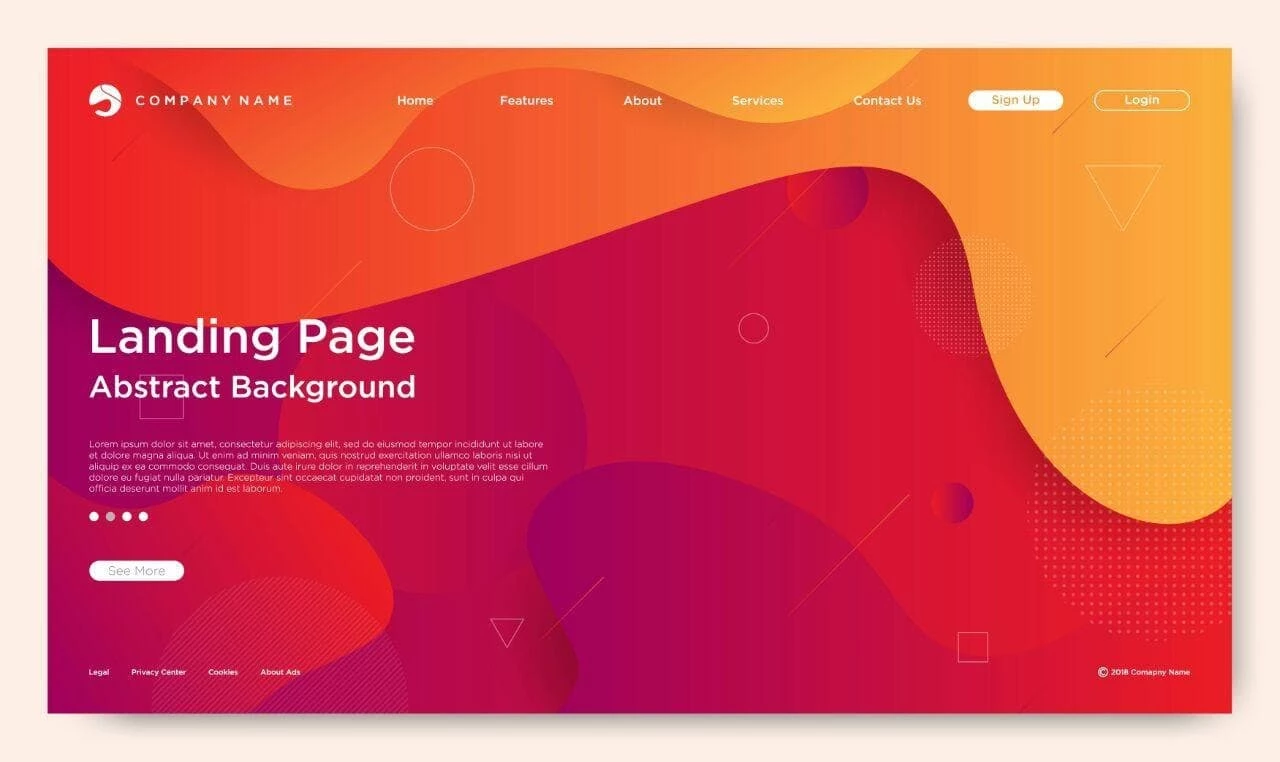
Website Landing Page Abstract Background is a Background Template Resourse. A landing page is often the first interaction users have with your website, and its visual design plays a crucial role in user engagement. The Website Landing Page Abstract Background is a modern design resource that helps create a clean, professional, and visually appealing first impression.
With smooth gradients, abstract shapes, and balanced composition, this background is perfect for startups, agencies, and digital products. In this guide, you’ll learn how to use this background effectively, customize it, and apply it to real-world website designs.
What is a Landing Page Abstract Background?
A landing page abstract background is a design element used behind website content to enhance visual appeal without distracting from the main message.
It typically includes:
- Gradient color transitions
- Soft geometric or fluid shapes
- Minimal and modern layout
- Subtle depth and texture
These backgrounds are designed to support content while improving overall aesthetics.
Why This Background is Important?
Using the right background can significantly impact your website performance:
- Improves first impressions
- Enhances user experience (UX)
- Supports readability of content
- Strengthens brand identity
A well-designed background keeps users engaged and encourages them to explore further.
What’s Included in the Download?
When you download this resource, you’ll get:
- High-resolution background files (PNG/JPG)
- Editable vector file (EPS Format)
- Scalable design elements
- Ready-to-use web-friendly assets
How to Customize the Landing Page?
You can edit this design using Adobe Illustrator.
Step-by-Step Guide:
Step 1:
Download the background file.
Step 2:
Extract the ZIP file.
Step 3:
Open the file in your preferred design software.
Step 4:
Customize colors:
- Adjust gradients
- Match brand color scheme
Step 5:
Modify layout:
- Resize or reposition shapes
- Simplify or enhance elements
Step 6:
Integrate into your website:
- Add text overlays
- Insert buttons and UI elements
- Combine with icons or illustrations
Step 7:
Export optimized files for web use (PNG/SVG).
Best Use Cases
This abstract background is ideal for:
- Website landing pages
- App UI/UX design
- Marketing pages
- Startup websites
- SaaS product pages
Pro Tips for Better Landing Page Design
To get the best results:
- Keep the background subtle and non-distracting
- Use high contrast for text readability
- Maintain consistent color themes
- Optimize images for fast loading
- Test responsiveness on different devices
Download Landing Page Abstract Background
Click the button below to download and enhance your website design.