

Introduction
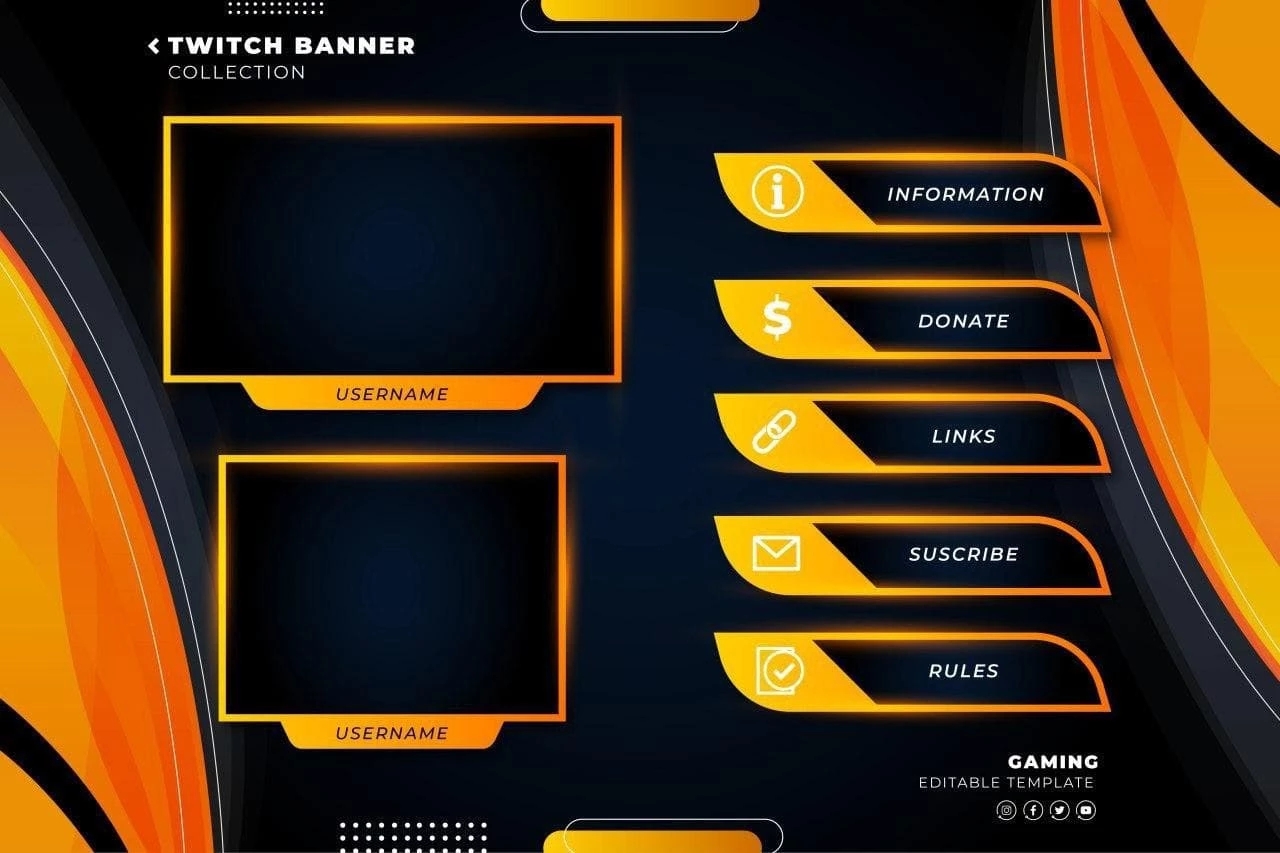
Twitch Banner Collection Template is a Banner Template Resourse. In the competitive world of live streaming, your channel’s visual identity plays a huge role in attracting and retaining viewers. A professional banner template helps you create a strong first impression, making your channel look polished and engaging.
Whether you’re a beginner streamer or building a gaming brand, these banner templates allow you to design eye-catching visuals quickly. In this guide, you’ll learn how to use these templates, customize them, and optimize them for better results.
What is a Twitch Banner Template?
A Twitch banner template is a pre-designed graphic used for channel art on Twitch. It appears at the top of your profile and helps communicate your brand, style, and content type.
These banners typically include:
- Gamer-style graphics and effects
- Space for your username or logo
- Social media handles
- Custom backgrounds and themes
Why Use a Banner Collection?
Instead of using a single design, a collection gives you flexibility:
- Multiple styles to match your content
- Easy switching for events or themes
- Consistent branding across streams
- Saves time in designing from scratch
This is especially useful for streamers who regularly update their channel visuals.
What’s Included in the Download?
When you download this collection, you’ll get:
- Multiple banner templates (EPS)
- Fully layered and editable files
- High-resolution designs
- Ready-to-use layouts for Twitch
How to Customize Twitch Banners?
You can edit these templates using Adobe Illustrator.
Step-by-Step Guide:
Step 1:
Download the banner collection.
Step 2:
Extract the ZIP file.
Step 3:
Open your chosen template in your design software.
Step 4:
Customize key elements:
- Add your channel name
- Insert logo or avatar
- Update social media links
Step 5:
Adjust visuals:
- Change colors to match your branding
- Add gaming or streaming effects
- Replace background images
Step 6:
Export your banner in the correct size (recommended: 1200 x 480 pixels).
Best Use Cases
These Twitch banner templates are perfect for:
- Gaming streamers
- Content creators
- Music and podcast streams
- Creative live sessions
- Personal brand building
Pro Tips for Better Twitch Banners
To make your banner stand out:
- Keep text readable on all devices
- Use consistent branding colors
- Avoid overcrowding the design
- Highlight your streaming schedule
- Match your banner with overlays and panels
Fonts Used
- Montserrat (Google Font)
Download Twitch Banner Collection
Click the button below to download and upgrade your streaming visuals.