

Introduction
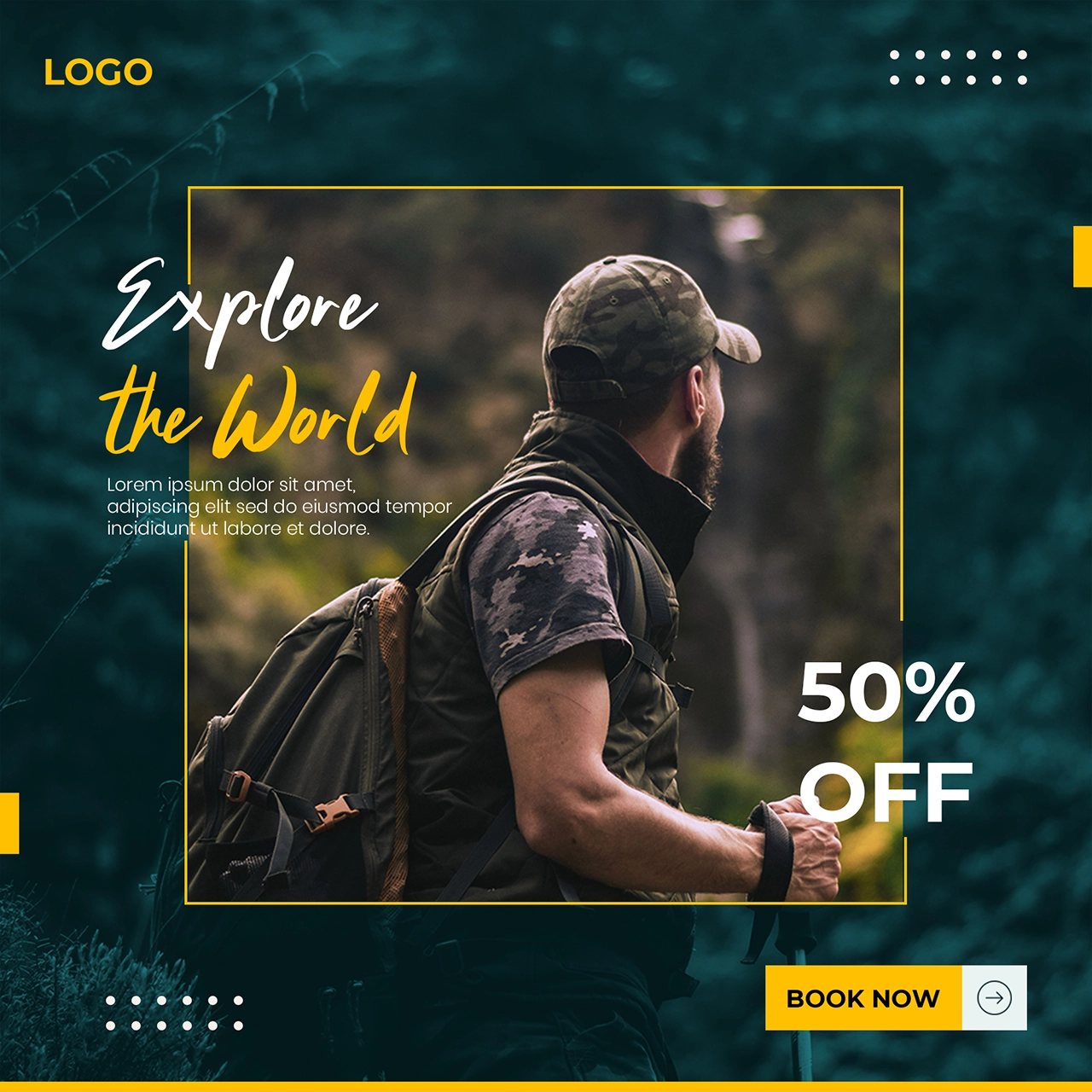
Travel Social Media Post is a Social Media Post Template Resourse. In today’s digital world, travel businesses rely heavily on visual content to attract customers. A well-crafted social media post helps you promote destinations, holiday deals, and travel experiences in a visually appealing and professional way.
Whether you’re a travel agency, blogger, or marketer, this template allows you to quickly create engaging banners that capture attention and drive clicks. In this guide, you’ll learn how to use this template, customize it, and apply it effectively in your campaigns.
What is a Traveling Social Media Banner?
A traveling social media banner is a promotional graphic designed specifically for platforms like Instagram, Facebook, and websites. It highlights travel offers, destinations, and experiences using attractive visuals and compelling text.
These banners usually include:
- Destination images (beach, mountains, cities)
- Promotional headlines (e.g., “Explore the World”)
- Travel deals or discounts
- Call-to-action buttons
Why This Template is Effective?
This template is designed using modern marketing and design principles:
- Eye-catching travel imagery
- Clean and organized layout
- Strong call-to-action elements
- Mobile-friendly design
These features help increase engagement and improve conversion rates.
What’s Included in the Download?
When you download this template, you’ll get:
- Fully editable design file (PSD)
- Fully layered and organized design
- High-resolution graphics
- Scalable layout for multiple platforms
How to Customize the Banner?
You can edit this template using Adobe Photoshop.
Step-by-Step Guide:
Step 1:
Download the template from the link below.
Step 2:
Extract the ZIP file.
Step 3:
Open the file in your preferred design software.
Step 4:
Customize content:
- Add destination names
- Update travel offers
- Modify promotional text
Step 5:
Replace images:
- Use high-quality travel photos
- Add relevant destination visuals
Step 6:
Brand your design:
- Insert your logo
- Adjust colors to match your brand
Step 7:
Export the final banner in PNG or JPG format.
Best Use Cases
This traveling banner template is perfect for:
- Travel agency promotions
- Holiday packages
- Social media campaigns
- Website banners
- Email marketing
Pro Tips for Better Travel Banners
To create high-performing banners:
- Use vibrant and inviting images
- Keep text short and impactful
- Highlight key offers clearly
- Add urgency (e.g., “Limited Time Offer”)
- Maintain a clean and balanced layout
Fonts Used
- Clattering Regular
Download Special Sale Offer Design
Click the button below to download and start designing professional travel promotions.